






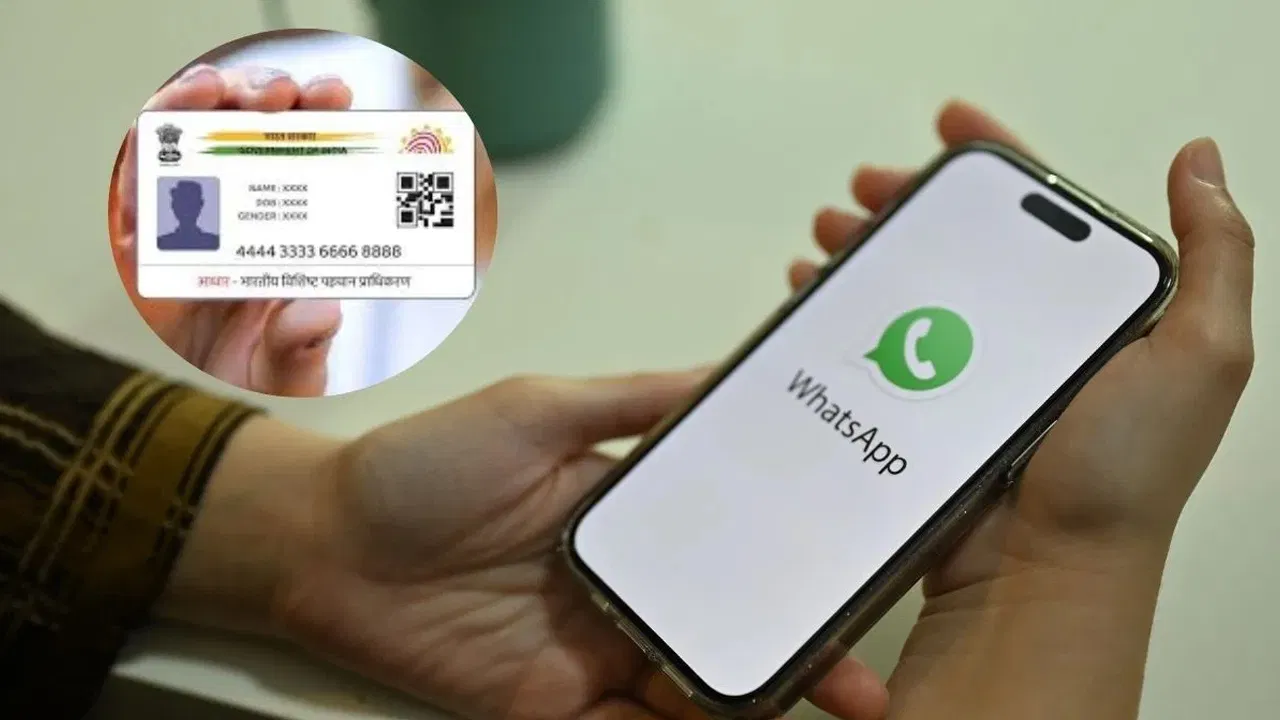
The Aadhaar card plays a crucial role in everyday life. People use it for banking, travel, and government services. Often, Aadhaar is required urgently when the physical copy is not available. However, there is no need to panic anymore. Now, you can download Aadhaar through WhatsApp within 60 seconds by following a few simple steps.
Uidai Expands Digital Aadhaar Services
The Unique Identification Authority of India (UIDAI) continues to simplify Aadhaar access. Earlier, people relied on the Aadhaar website or mobile apps. Now, UIDAI has enabled Aadhaar access through WhatsApp, making the process faster and more convenient. As a result, users can retrieve Aadhaar anytime without visiting official portals.
Step-By-Step Process to Download Aadhaar on Whatsapp
To download Aadhaar via WhatsApp, follow these steps carefully:
-
First, save 9013151515 on your mobile phone
-
Then, open WhatsApp and send “Hi” to the saved number
-
Next, choose the DigiLocker option from the service list
-
After that, verify your DigiLocker account details
-
Now, enter your Aadhaar number
-
Subsequently, confirm the OTP sent to your registered mobile number
-
Once verified, view the documents stored in DigiLocker
-
Finally, select Aadhaar and submit
Within seconds, WhatsApp will deliver your Aadhaar PDF directly to your phone.
Digilocker Link is Mandatory
However, users must link Aadhaar with DigiLocker to use this service. Without this link, WhatsApp will not allow Aadhaar downloads. Therefore, users should complete the linking process through the DigiLocker app or website in advance.
Quick Solution During Emergencies
Earlier, people could download Aadhaar only through DigiLocker or the mAadhaar app. Now, WhatsApp provides an instant and user-friendly alternative. Consequently, this feature proves extremely useful during emergencies when quick access to Aadhaar becomes essential.
With this update, Aadhaar access has become simpler than ever. A single WhatsApp message now ensures secure and instant Aadhaar download anytime, anywhere.
For more latest updates, click here.